
Rumpelstiltskin GIF Generator
Put your photo into the Tiptoeing in My Jordans meme, then turn the dance into a faster, silent loop. Get a 10-second video and a shareable GIF from the same generation.
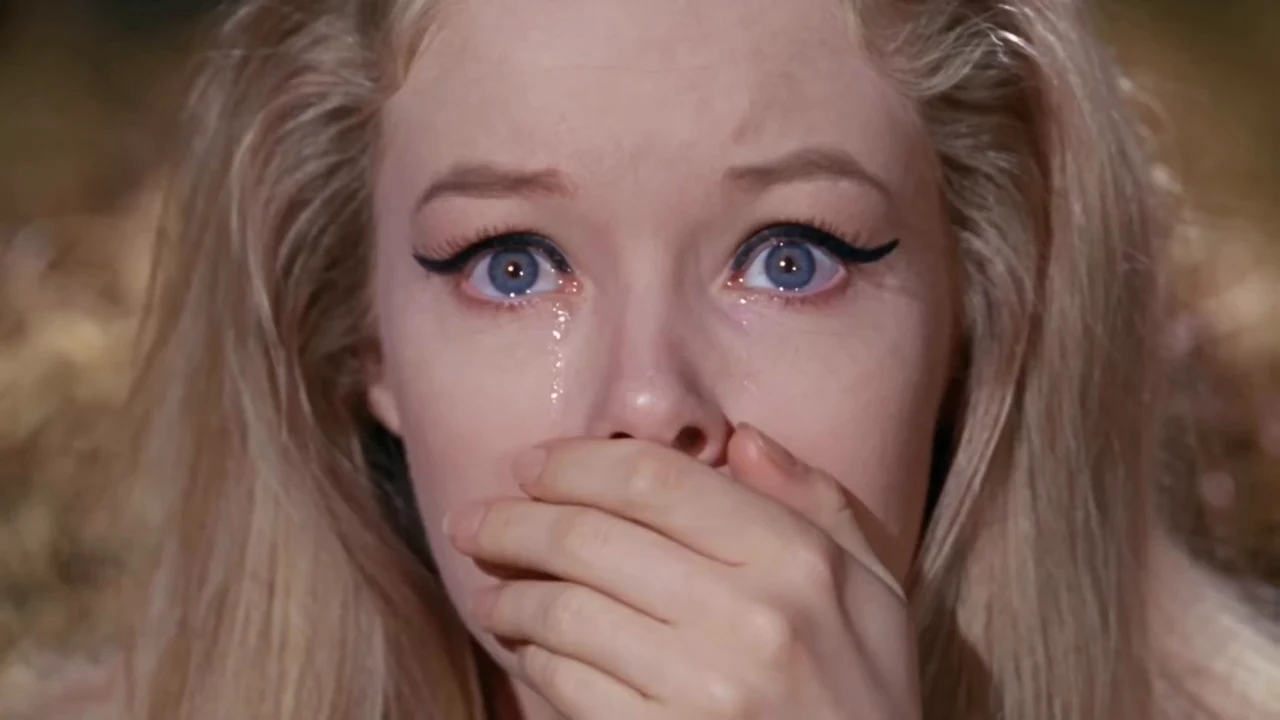
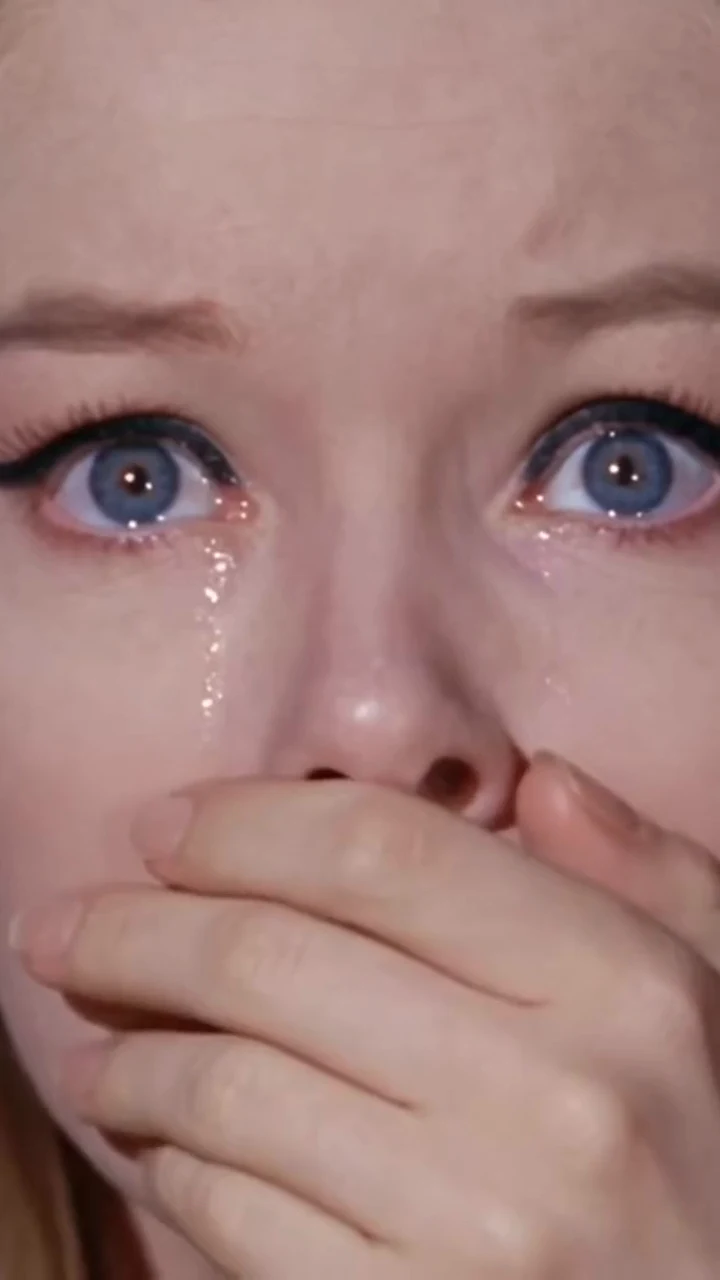
The AI clip behind the Rumpelstiltskin GIF
The Rumpelstiltskin meme is an AI-generated clip from late August 2026 showing a small, impish man tiptoeing through straw in a barn. Its movie-like look is generated, not a film credit.
The same dance became associated with the Tiptoeing in My Jordans meme. A GIF keeps the movement and reaction while removing the audio; a caption gives the loop its context.
The source timeline is documented by Know Your Meme.
Choose who does the dance- Video
- 10-second MP4
- GIF
- Faster, silent and looping
- Cast
- One or two photos
Rumpelstiltskin GIF examples
Keep the tiptoe and the dance readable in a short loop. GIF exports are soundless; keep the MP4 for the audio version.
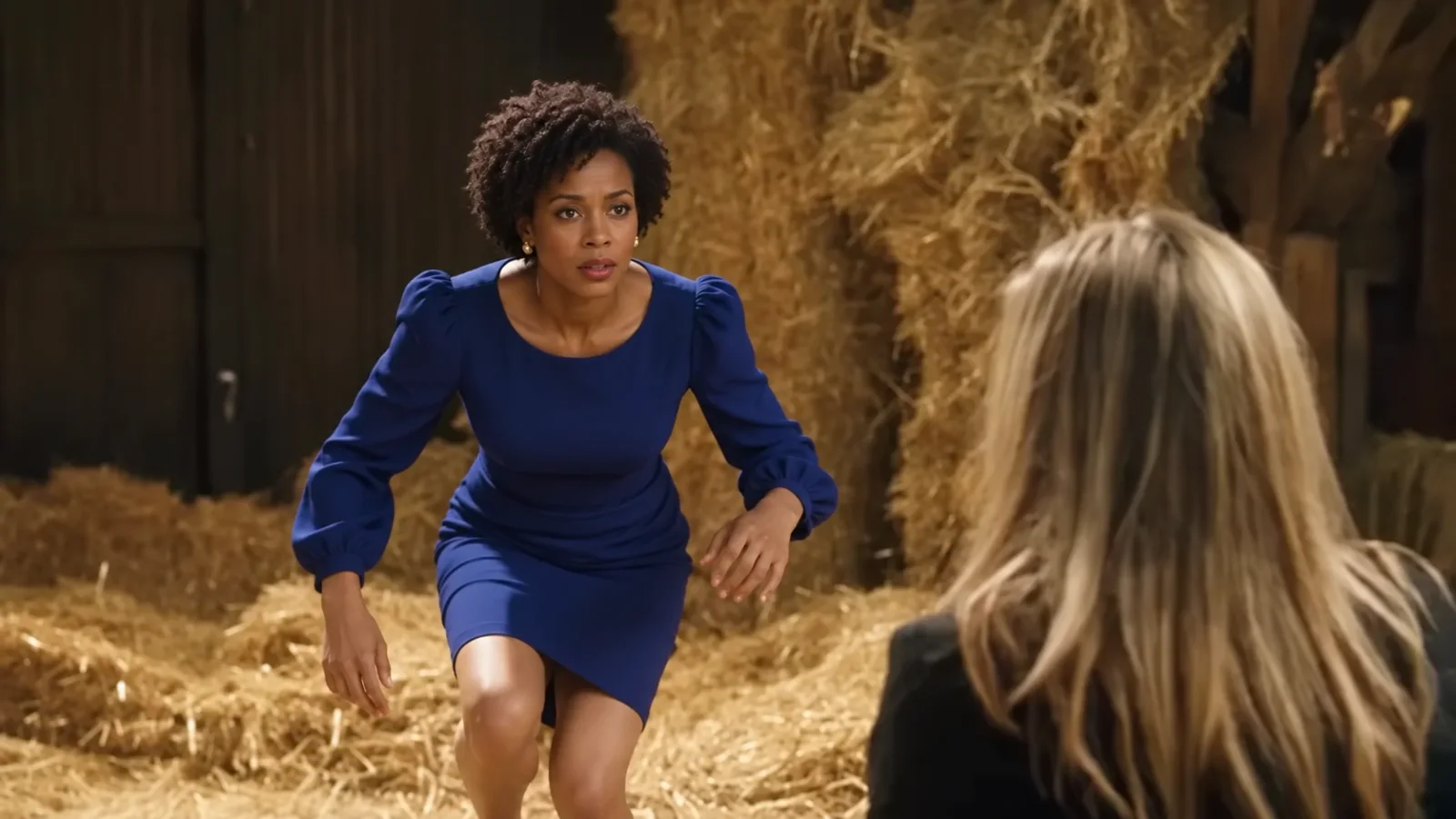
Blue-dress dance GIF2× speed · silent looping GIF 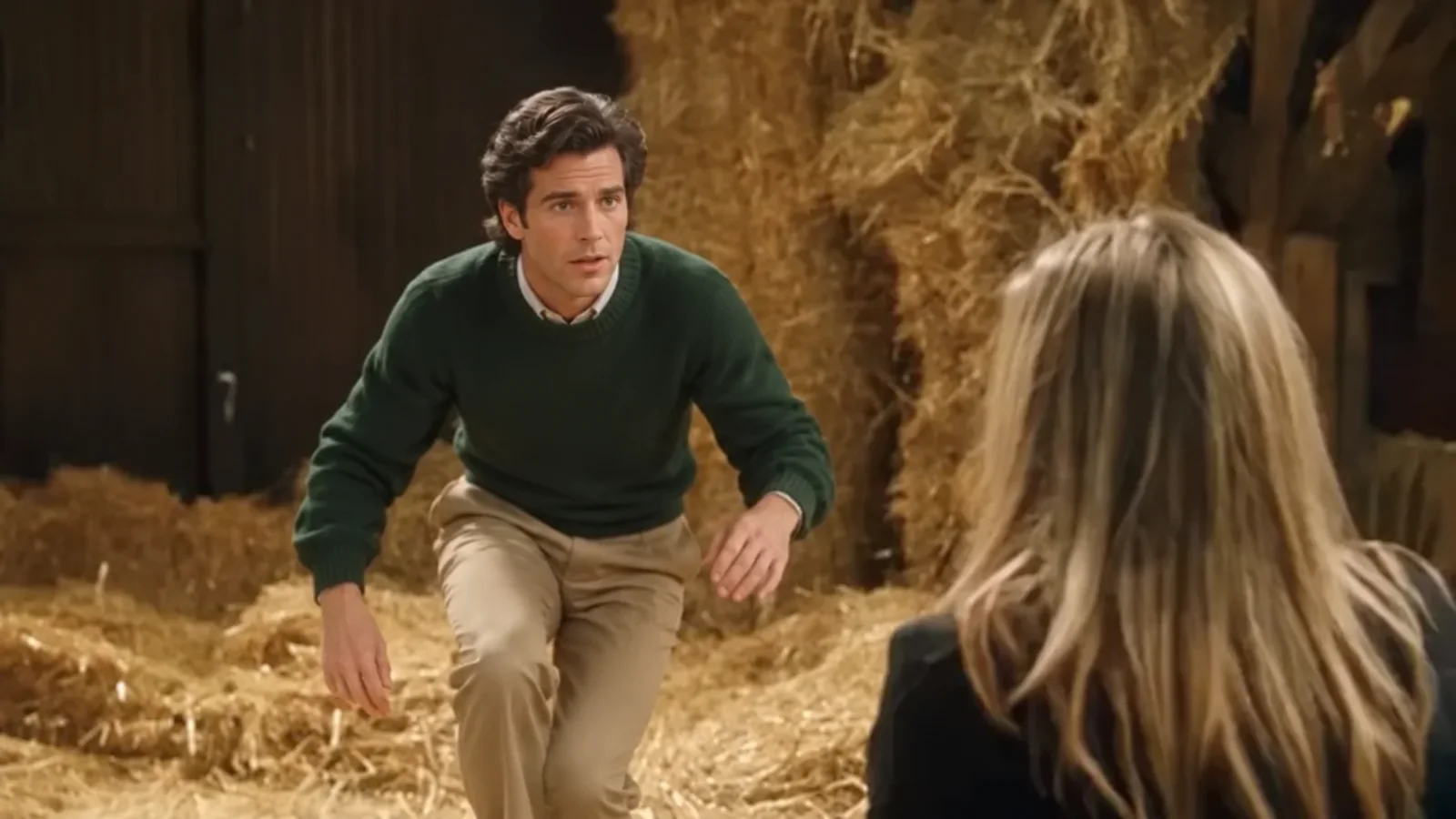
Gentleman tiptoe GIF2× speed · silent looping GIF 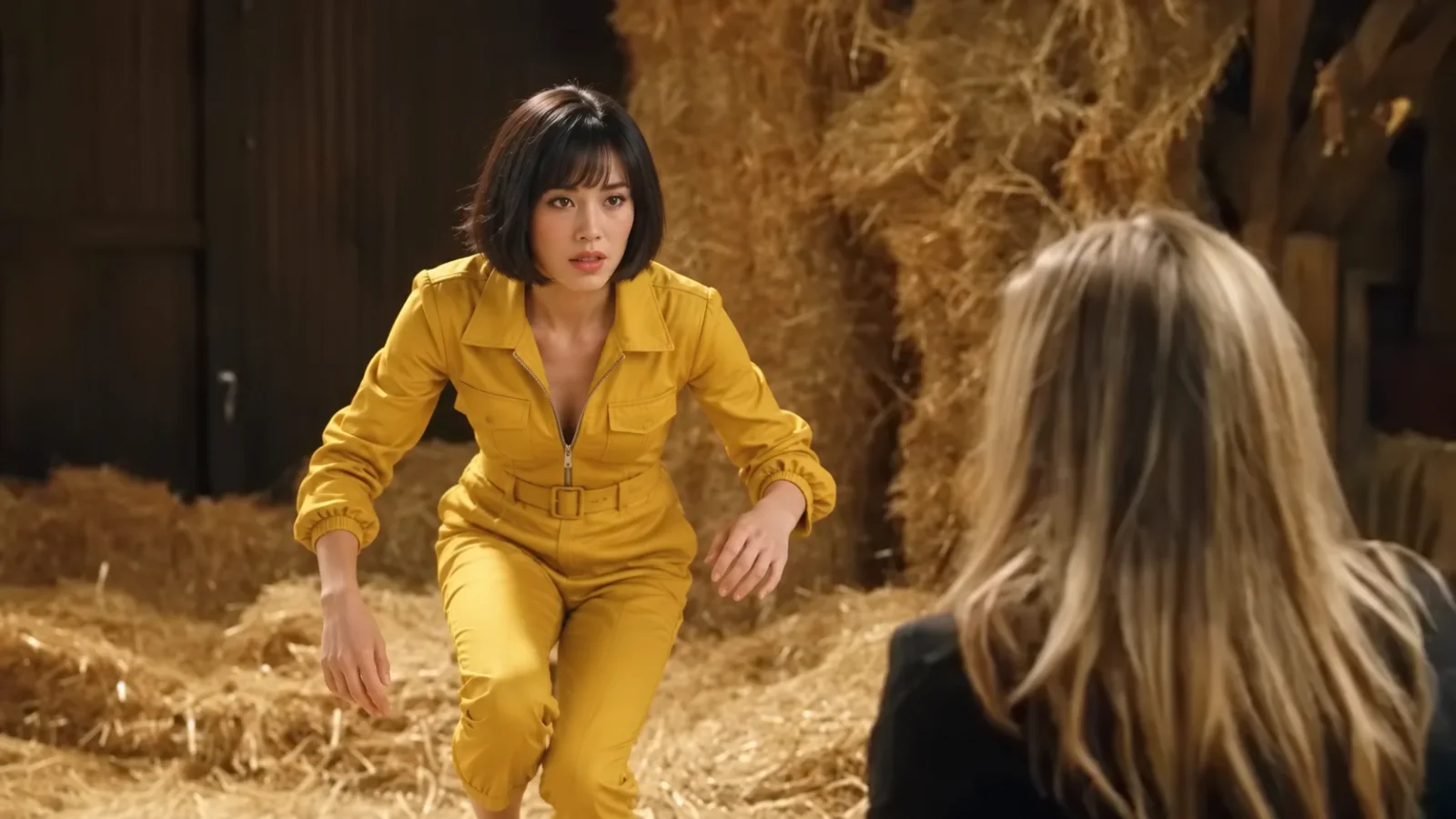
Yellow-jumpsuit GIF2× speed · silent looping GIF 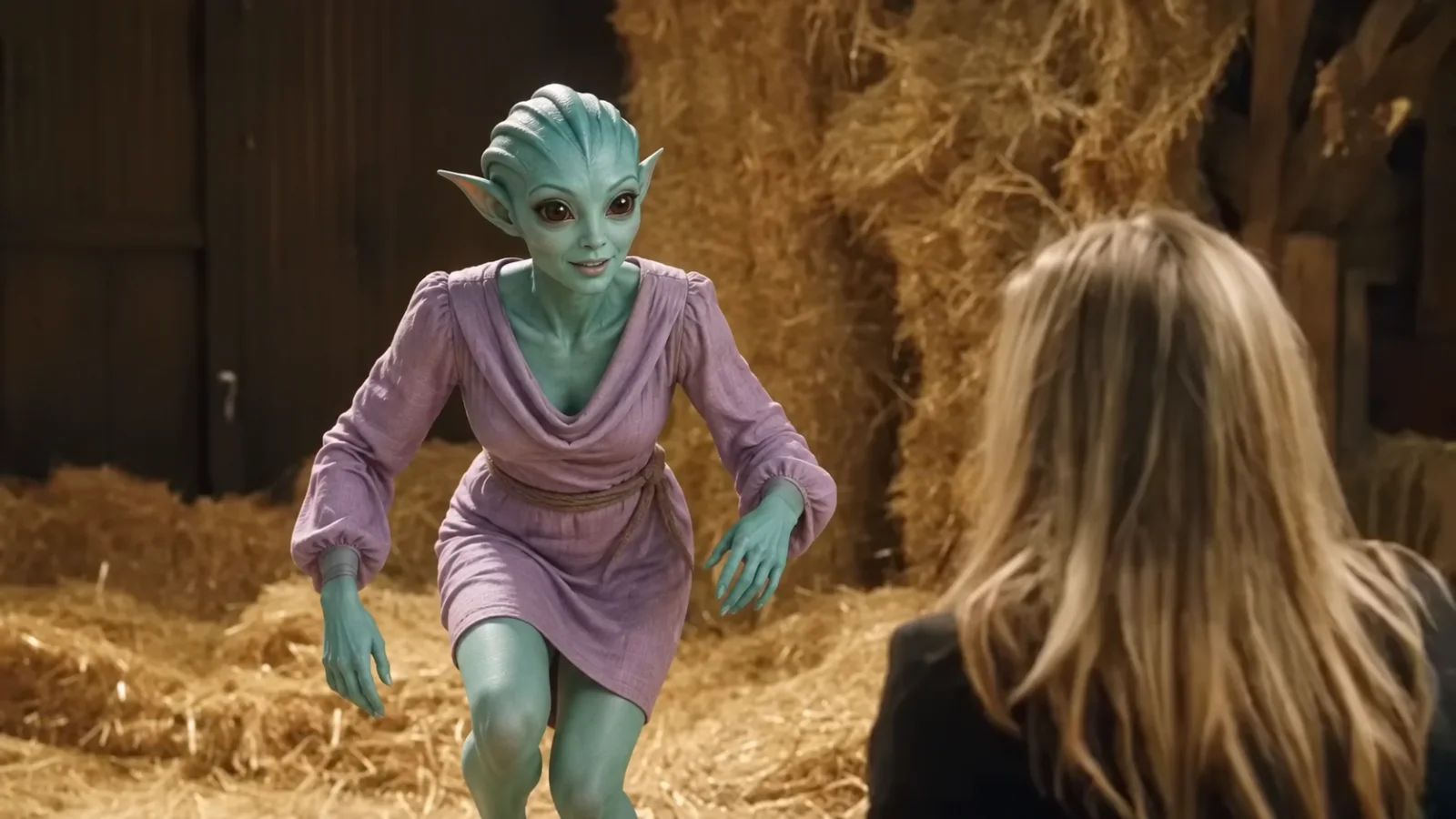
Alien reaction GIF2× speed · silent looping GIF 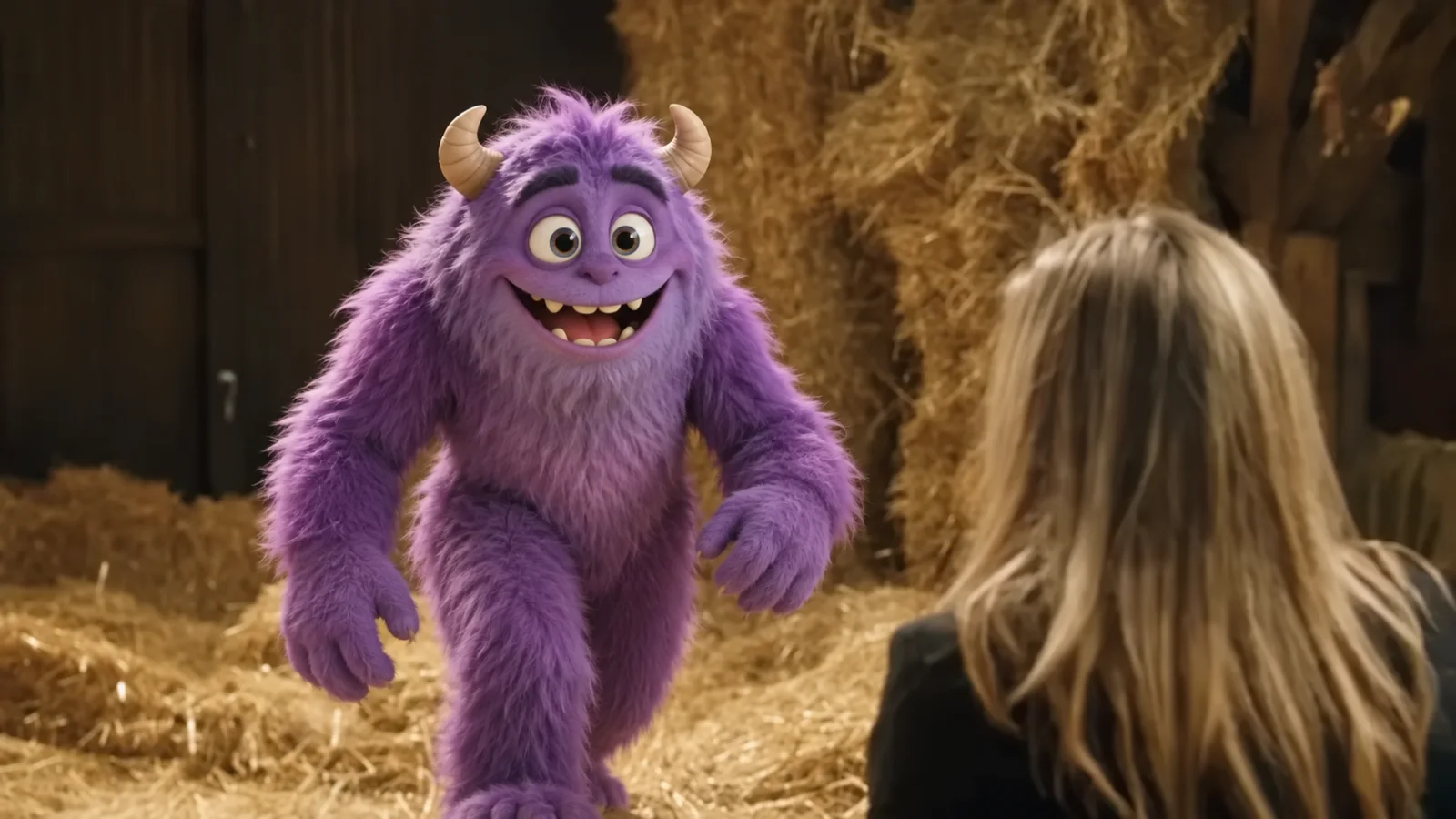
Cartoon monster GIF2× speed · silent looping GIF
Make your Tiptoeing in My Jordans meme GIF
The new GIF tool uses a 10-second video; the existing video generators keep their original settings.
- 01
Cast the scene
Upload a clear dancer photo. A second photo can change the spectator in the straw.
- 02
Choose the frame
Pick landscape or portrait and use one video from your existing pack, or buy a pack at the usual price.
- 03
Save video and GIF
Download the 10-second MP4 and its faster looping GIF. The GIF has no sound.
Caption ideas for a soundless GIF
A short line makes the tiptoe work as a reaction even without the song.
Me leaving before someone says one more thing.
When the tiny plan actually works.
Returning to the chat with a meme instead of an answer.
Video and GIF are different exports
| Format | Timing | Sound | Useful for |
|---|---|---|---|
| MP4 video | 10 seconds | Video audio retained | Video posts and further editing |
| Animated GIF | About 5 seconds at 2× speed | Silent | Reaction loops and image sharing |
- Photo 1
- The tiptoeing dancer
- Optional Photo 2
- The spectator in the straw
Want the original video tool? Its existing duration and workflow remain available.
Rumpelstiltskin GIF generator packs
One generation uses one video from your pack. The GIF conversion is included.
1-video pack
$9.90 per video
Choose 1 videoOne-time payment · No subscription- 10-second video from this tool
- Faster looping GIF included
- Landscape or portrait composition
- No extra charge for the GIF
3-video pack
$6.63 per video
Choose 3 videosOne-time payment · No subscription- 10-second video from this tool
- Faster looping GIF included
- Landscape or portrait composition
- No extra charge for the GIF
5-video pack
$5.98 per video
Choose 5 videosOne-time payment · No subscription- 10-second video from this tool
- Faster looping GIF included
- Landscape or portrait composition
- No extra charge for the GIF
Rumpelstiltskin GIF questions
What is the Rumpelstiltskin GIF?
It is a looping, soundless version of the AI-generated barn-dance meme, also searched for as the Tiptoeing in My Jordans meme GIF.
What movie is the Rumpelstiltskin clip from?
The viral clip is AI-generated. Its retro fantasy-movie appearance is a visual style; it is not footage from the 1987 Rumpelstiltskin movie.
Does the GIF include the song?
No. GIF does not carry audio. Use the MP4 when you want video with sound.
How long are the files?
This tool creates a 10-second MP4 and turns that sequence into a faster GIF. The default 2× GIF plays the movement in about 5 seconds and loops. Other video tools keep their existing duration.
Does a GIF cost an extra video?
No. One generation uses one video from your pack and supplies the video and its GIF export together. Pack prices stay the same.
Can I use one or two photos?
Photo 1 replaces the tiptoeing dancer. Add Photo 2 to replace the person watching from the straw as well.
Can I choose landscape or portrait?
Yes. Choose 16:9 landscape or 9:16 portrait before generating. The GIF keeps the same composition as its video.